Epson EcoTank clogged print head recovery
EcoTank heads clog when the printer sits unused. Recovery is possible without a service visit in most cases.
12 min readEpson
- 1
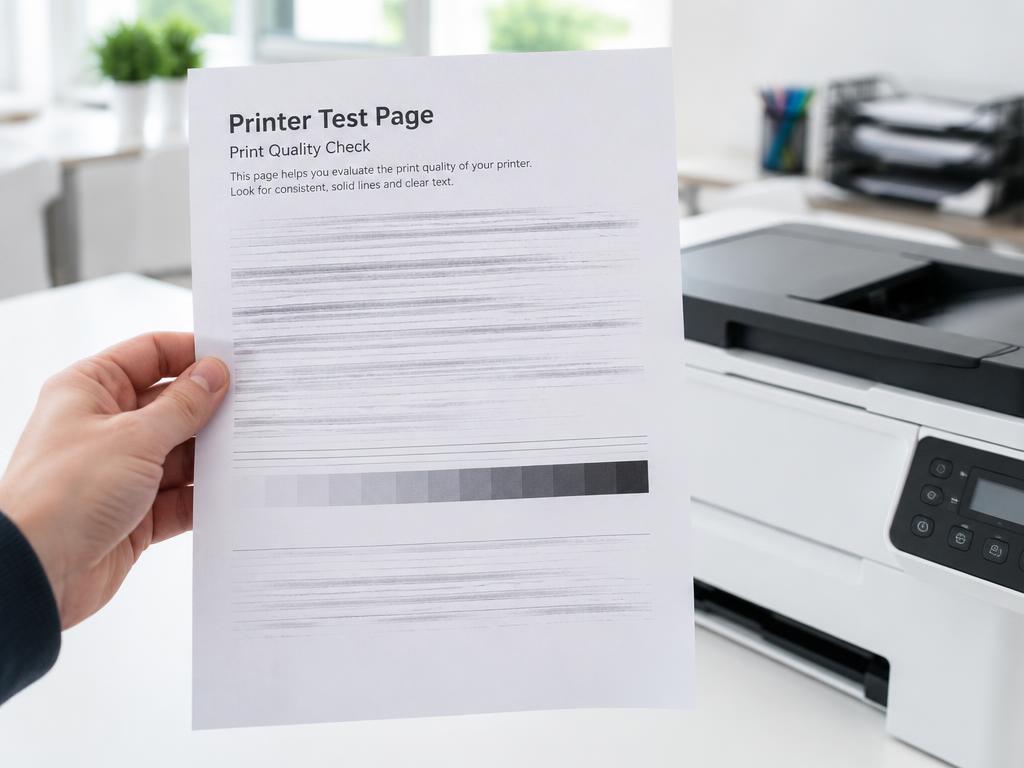
Print a nozzle check first
Maintenance > Nozzle Check shows which colour channels are blocked so you know what you are fighting.
- 2
Run up to three cleaning cycles
Maintenance > Head Cleaning, then another nozzle check. Stop after three to avoid wasting ink.
- 3
Let it rest overnight
Ink soaks into dried pigment over time. A rest between cleanings often clears what cycles alone cannot.
- 4
Try a power cleaning once
Power Cleaning uses much more ink; use it once only, and top up the tanks first.
- 5
Prevent it coming back
Print a colour page once a week and keep the printer powered on so it can self-maintain.
Still stuck?
Tell HUB AI your exact model and the message on the panel and it will tailor these steps to your printer.
Ask HUB AI