Troubleshooting guides
Clear, tested steps for the problems people hit most. No jargon, no guesswork.
Fix a printer that keeps showing offline
An offline status almost always means your computer lost the network path to the printer, not that the printer is broken.
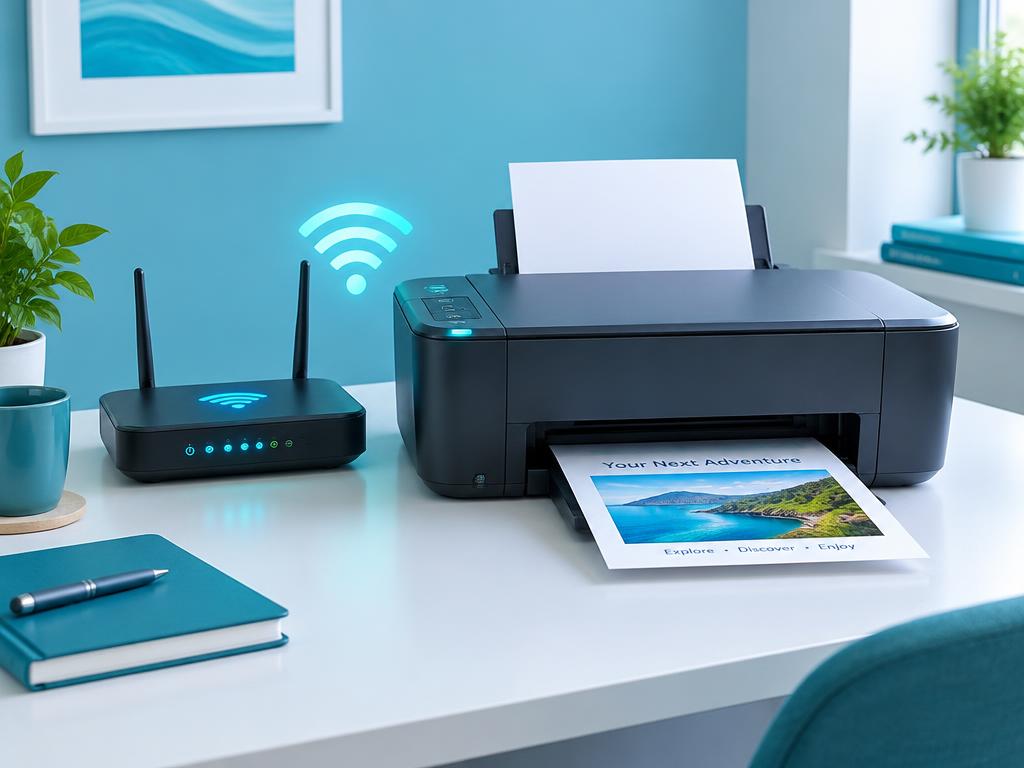
Connect any printer to Wi-Fi in 5 minutes
Most wireless setup failures come from a 5 GHz network or a mistyped password, not the printer.
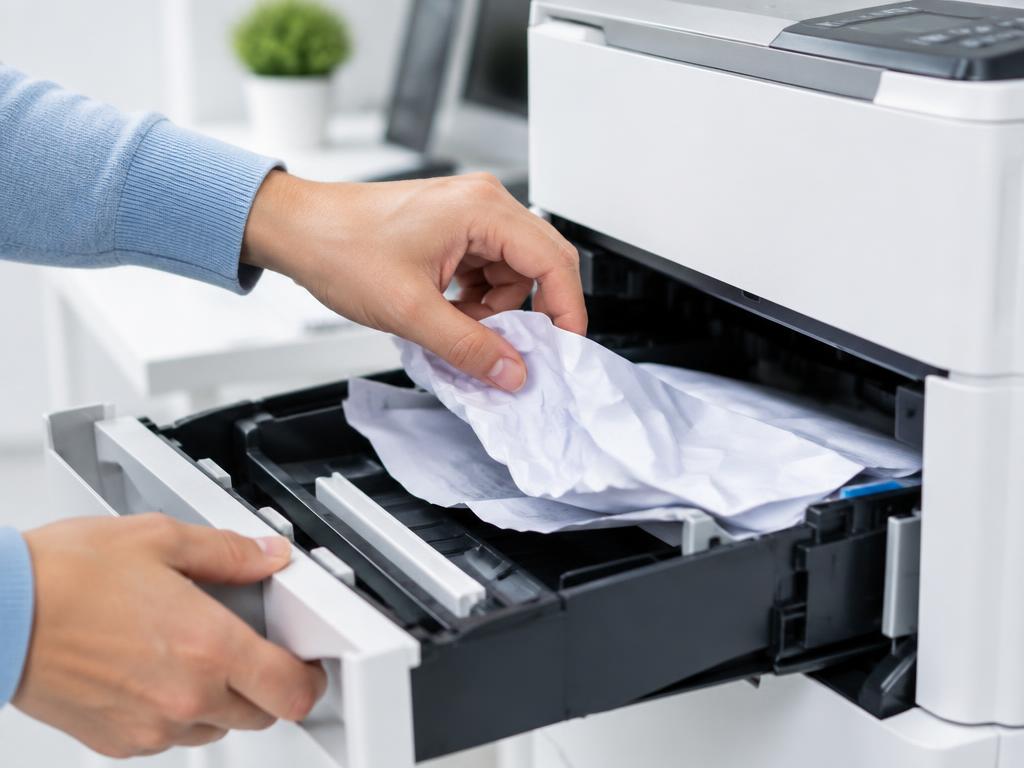
Clear a paper jam without damaging the rollers
Pull paper in the direction of travel and always check the duplex unit at the back.
Printer says ready but nothing prints
A stuck spooler, the wrong default printer or a paused queue cause most of these cases.
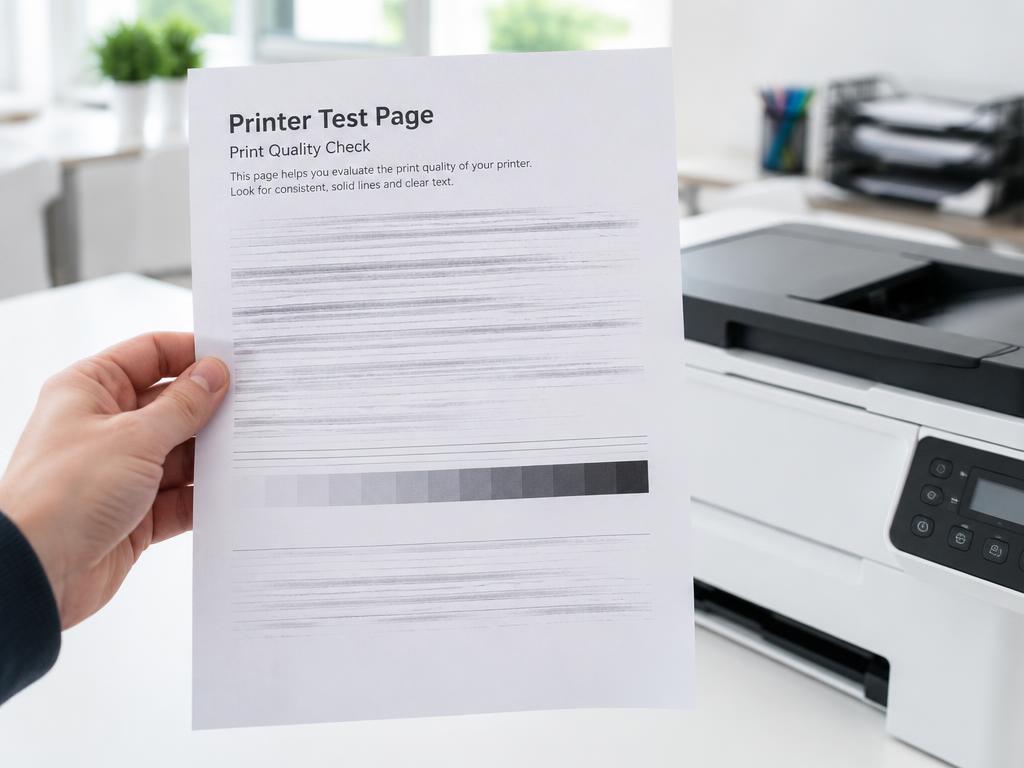
Fix faded, streaky or smudged prints
Inkjets need head cleaning and alignment; lasers usually need a drum, fuser or paper change.
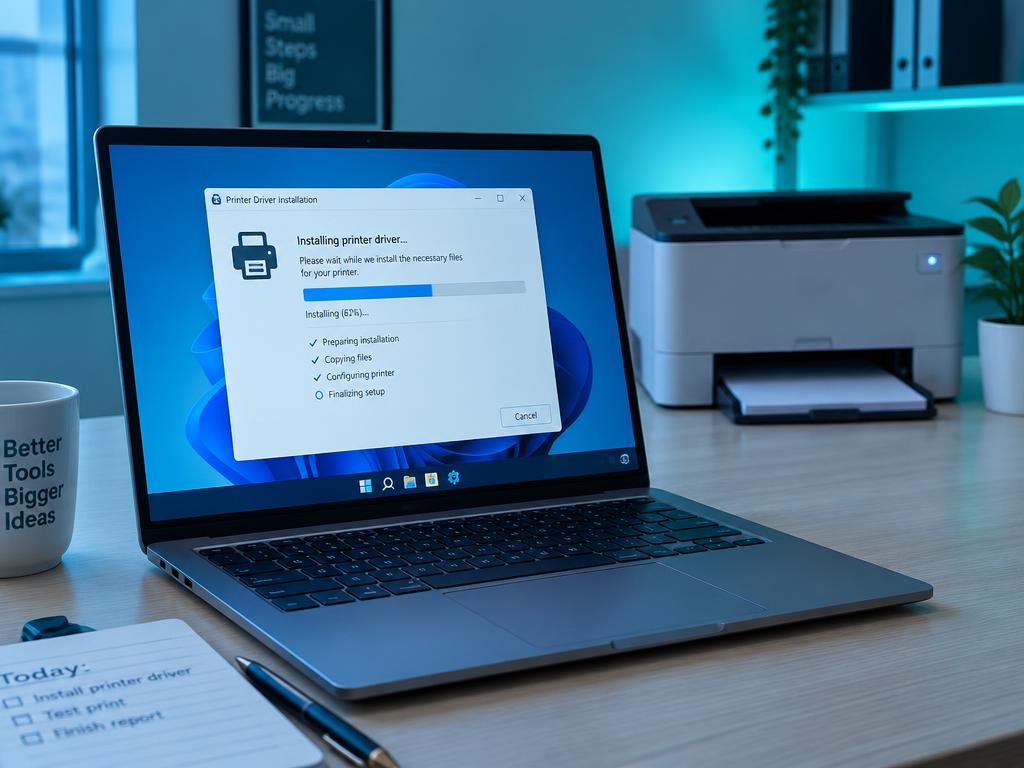
Install or repair a printer driver cleanly
A half-removed old driver blocks the new one. Remove the package, not just the printer icon.

Decode printer error codes on the panel
Codes map to a subsystem: paper path, consumables, fuser or logic board. Identify the family first.

Set up a brand new printer from the box
Remove every shipping lock, load paper before the first alignment, then connect.