Clear a paper jam without damaging the rollers
Pull paper in the direction of travel and always check the duplex unit at the back.
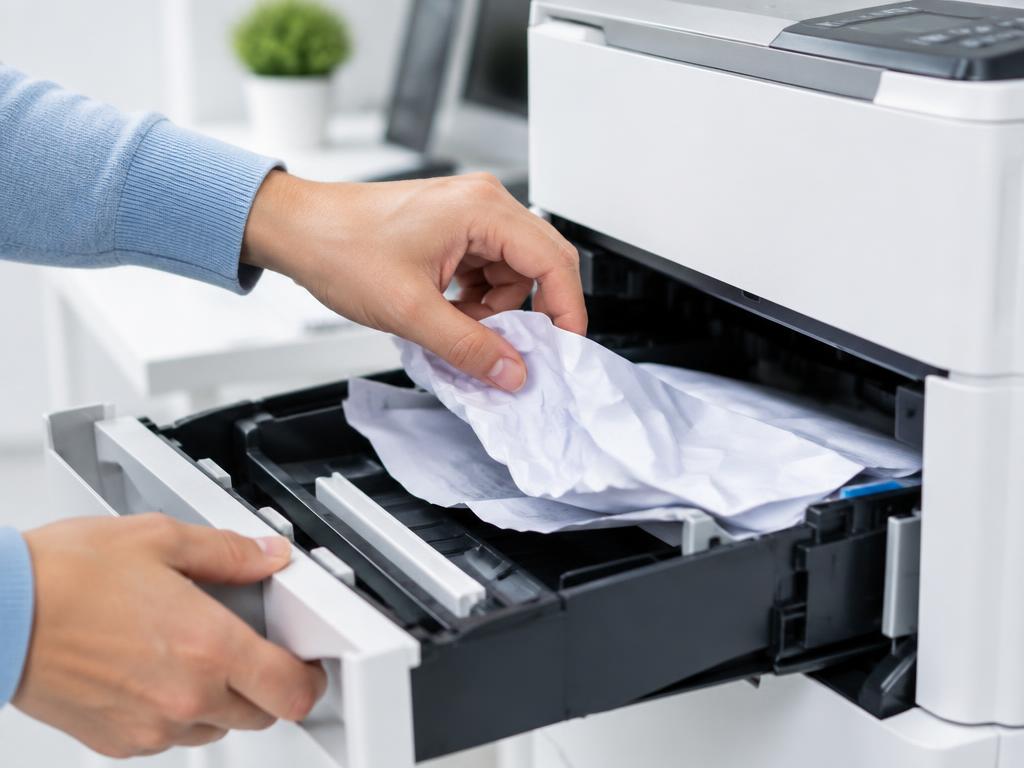
- 1
Power down first
Switch off the printer so rollers cannot grab as you pull.
- 2
Open every access door
Front cover, rear duplex door and the output tray. Look with a torch before touching anything.
- 3
Pull slowly with both hands
Pull in the direction the paper was feeding. Never pull backwards against the rollers.
- 4
Remove every torn scrap
Even a fingernail-sized piece re-triggers the sensor. Check the registration area near the toner cartridge.
- 5
Reload the tray correctly
Fan the stack, keep it below the fill line and set the guides snug against the paper edges.
Still stuck?
Tell HUB AI your exact model and the message on the panel and it will tailor these steps to your printer.
Ask HUB AI