Connect any printer to Wi-Fi in 5 minutes
Most wireless setup failures come from a 5 GHz network or a mistyped password, not the printer.
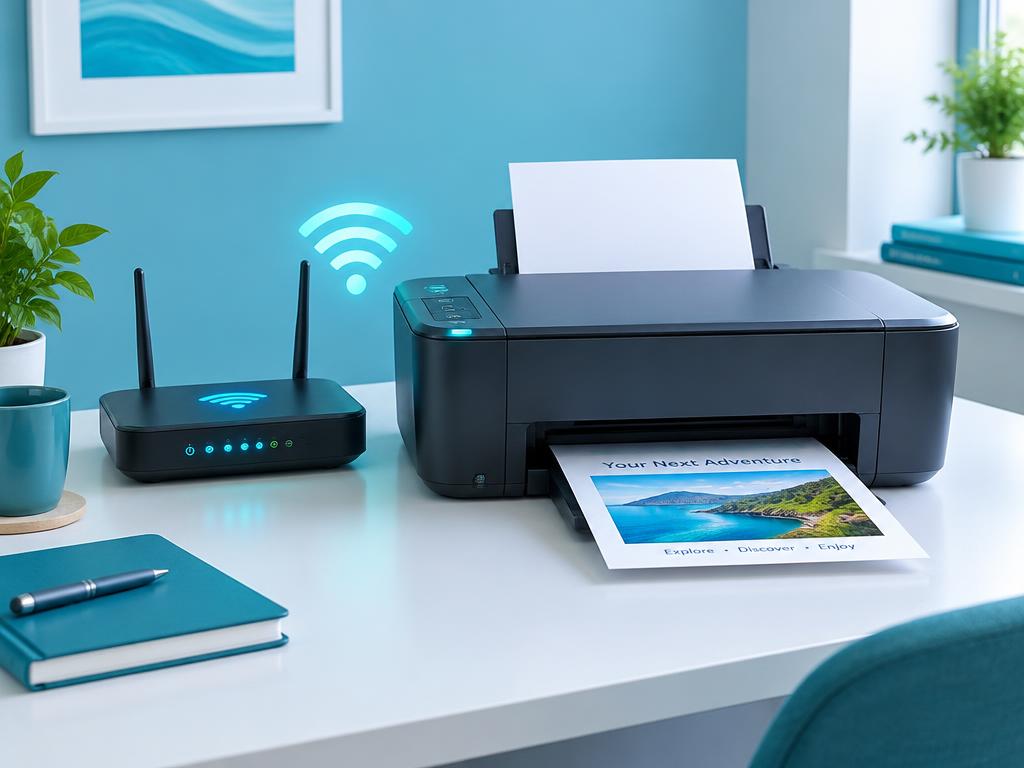
- 1
Use the 2.4 GHz band
Most home printers only support 2.4 GHz. If your router broadcasts one merged name, temporarily split the bands or use WPS.
- 2
Start the wireless wizard
On the printer panel go to Setup > Network > Wireless Setup Wizard and pick your network name from the list.
- 3
Enter the password carefully
Passwords are case sensitive. Use the eye icon to check before confirming.
- 4
Print a wireless test report
The report confirms signal strength. Anything below 'Good' means you should move the printer closer to the router.
- 5
Install on your devices
Add the printer on each computer or phone. On mobile use the brand app or AirPrint/Mopria.
Still stuck?
Tell HUB AI your exact model and the message on the panel and it will tailor these steps to your printer.
Ask HUB AI