Fix faded, streaky or smudged prints
Inkjets need head cleaning and alignment; lasers usually need a drum, fuser or paper change.
- 1
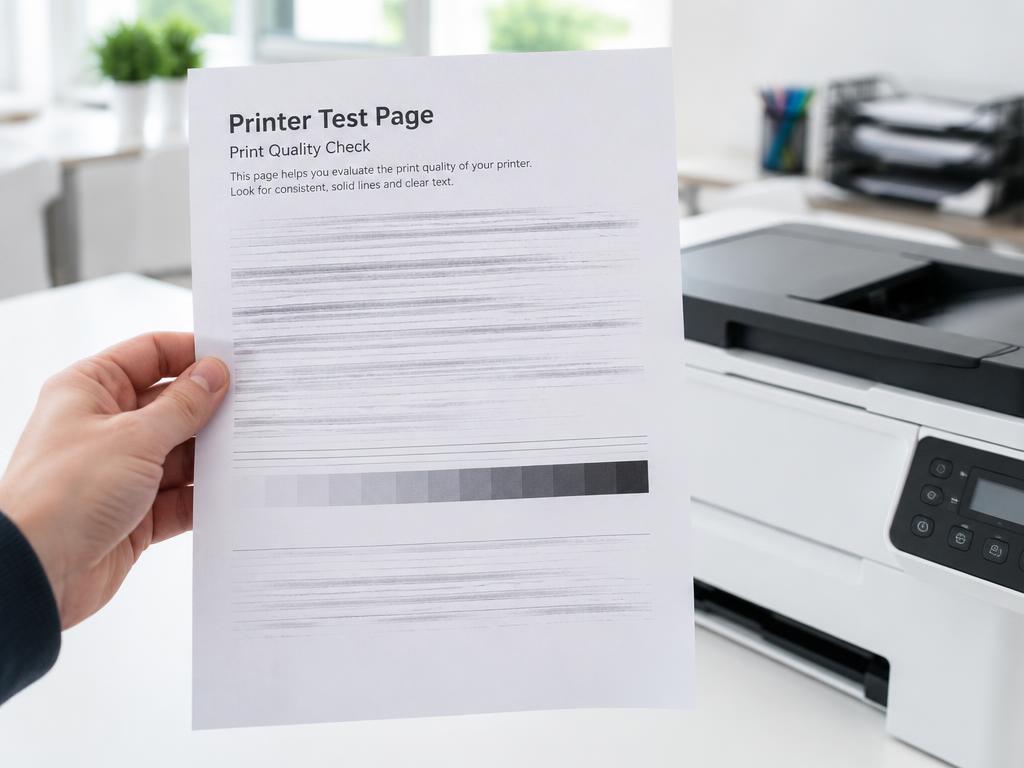
Print a nozzle check
On inkjets, a nozzle check pattern shows exactly which colour channel is blocked.
- 2
Run head cleaning up to three times
Run a cleaning cycle, print another nozzle check, repeat at most three times then rest the printer for a few hours.
- 3
Align the print head
Alignment fixes double edges and blurred text after a cartridge change.
- 4
Laser: rock the toner cartridge
Remove the cartridge and rock it gently side to side to redistribute toner. Vertical stripes usually mean the drum needs replacing.
- 5
Check the paper
Damp or wrong-weight paper causes smudging. Store paper sealed and match the media type in the driver.
Still stuck?
Tell HUB AI your exact model and the message on the panel and it will tailor these steps to your printer.
Ask HUB AI