AirPrint not finding your printer on iPhone or iPad
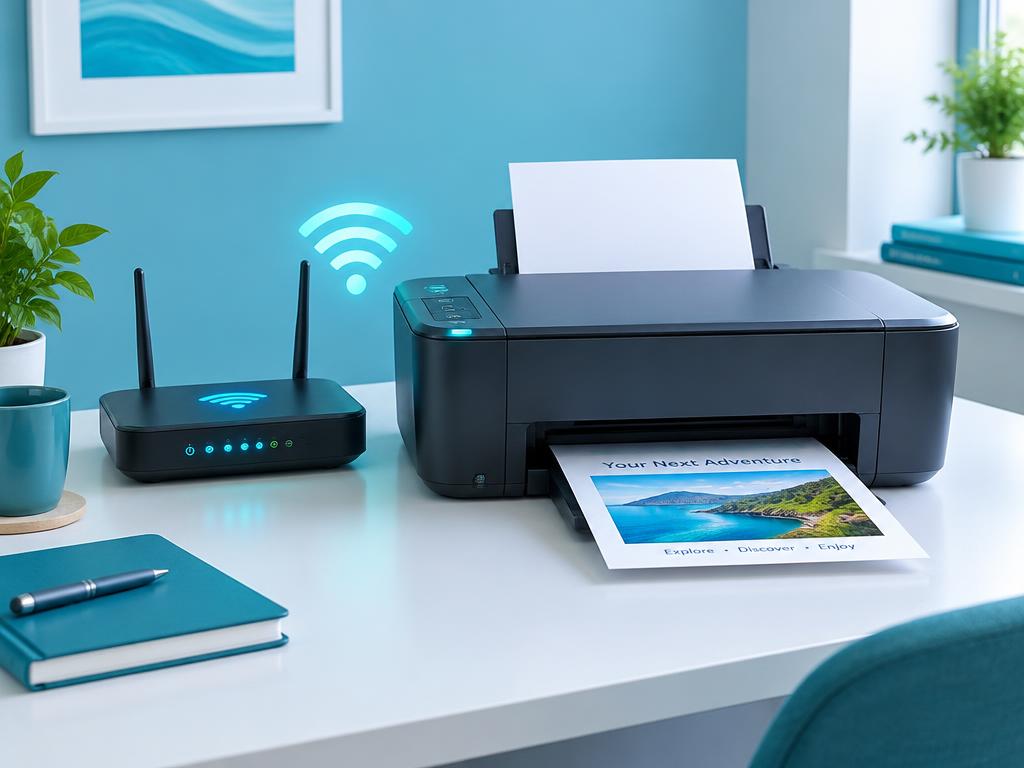
AirPrint needs the phone and printer on the same network with Bonjour allowed. Guest networks break it.
- 1
Confirm same network and band
The iPhone and printer must be on the same Wi-Fi network. Guest or isolated networks block discovery.
- 2
Restart both devices
Power cycle the printer and toggle Wi-Fi off and on the phone to refresh Bonjour discovery.
- 3
Update the printer firmware
AirPrint bugs are fixed in firmware. Update from the printer panel or the brand's app.
- 4
Check router multicast settings
Enable Bonjour/mDNS or multicast in the router. AP isolation must be off.
- 5
Use the brand's app as a fallback
HP Smart, Canon PRINT, Epson iPrint and Brother Mobile Connect print without AirPrint.
Still stuck?
Tell HUB AI your exact model and the message on the panel and it will tailor these steps to your printer.
Ask HUB AI