Brother 'Drum End Soon' and drum replacement
The drum is separate from the toner on Brother lasers. Replace it and reset the counter correctly.
5 min readBrother
- 1
Confirm it is the drum, not the toner
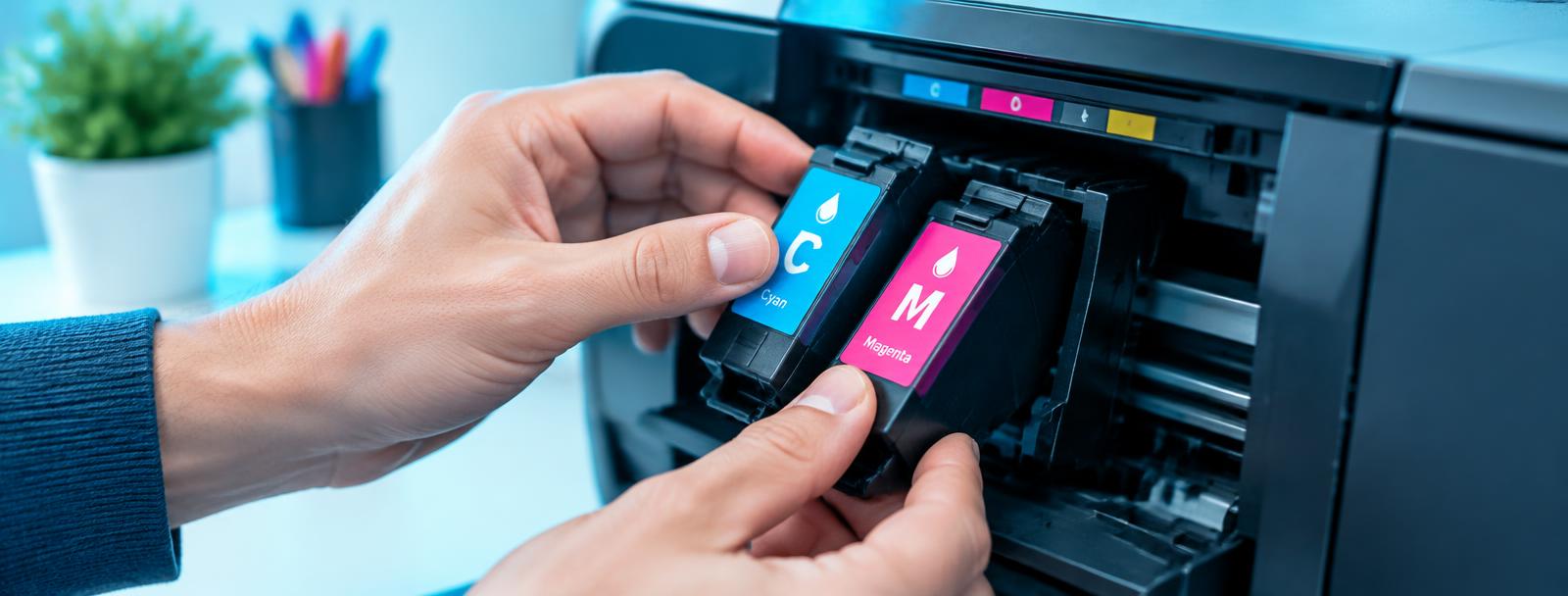
Drum End Soon refers to the DR unit the toner clicks into, not the toner cartridge itself.
- 2
Swap the drum unit
Open the front cover, pull the toner and drum assembly out, release the toner from the old drum and click it into the new one.
- 3
Reset the drum counter
With the front cover open, hold the OK or Go button (model dependent) until Drum appears, then select Yes to reset.
- 4
Print a test page
Streaks after a swap usually mean the corona wire needs cleaning — slide the green tab on the drum a few times.
Still stuck?
Tell HUB AI your exact model and the message on the panel and it will tailor these steps to your printer.
Ask HUB AI