Duplex printing jams or prints upside down
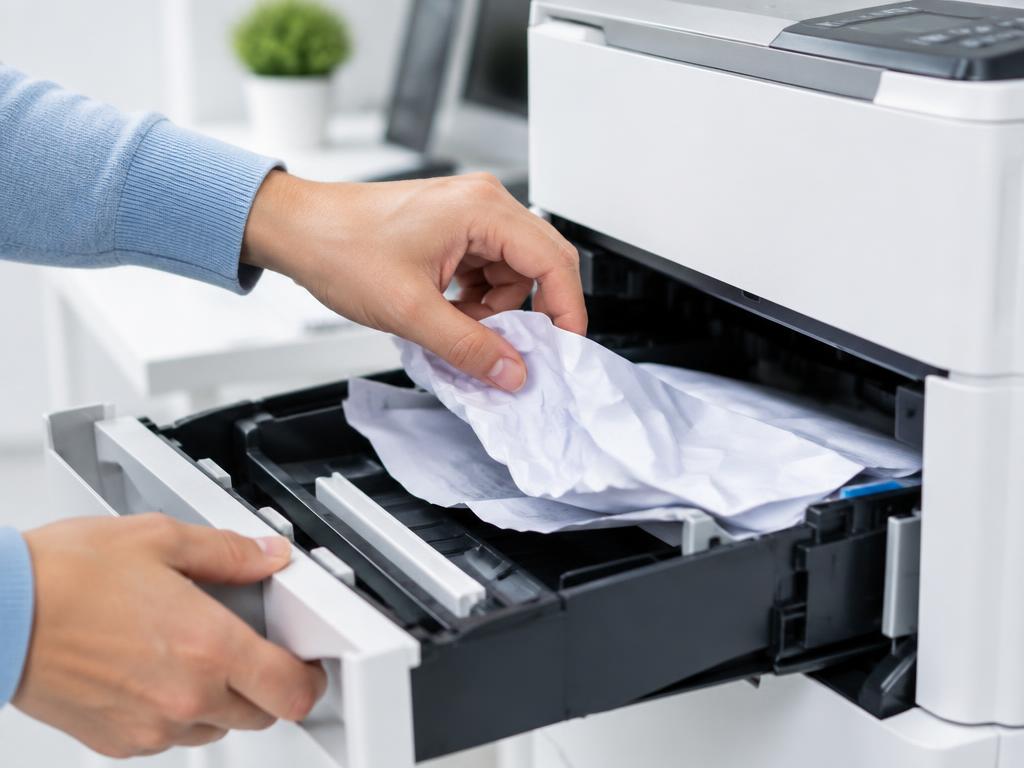
Duplex faults are usually the wrong flip setting, damp paper or a duplex unit that is not clicked in.
- 1
Pick the right flip option
Flip on long edge for portrait documents, short edge for landscape. The wrong one prints upside down.
- 2
Reseat the duplex unit
Remove the rear duplex unit and click it back in firmly. A loose unit causes instant duplex jams.
- 3
Use fresh, flat paper
Curled or damp sheets jam in the duplex turn. Use paper from a sealed ream.
- 4
Reduce the stack weight
Heavy paper over the tray's rated weight feeds poorly on the second pass. Check the manual's duplex limits.
- 5
Update the driver
Duplex options are driver-controlled. An outdated or generic driver can send the wrong commands.
Still stuck?
Tell HUB AI your exact model and the message on the panel and it will tailor these steps to your printer.
Ask HUB AI