Computer doesn't recognise the printer over USB
A printer that is invisible over USB is usually a cable, port or driver problem — in that order.
- 1
Swap the cable and port
Use a cable under 2 metres and plug directly into the computer, not a hub. Try a different USB port.
- 2
Check Device Manager
On Windows, look for the printer or an unknown device with a warning icon. Uninstall it and reconnect.
- 3
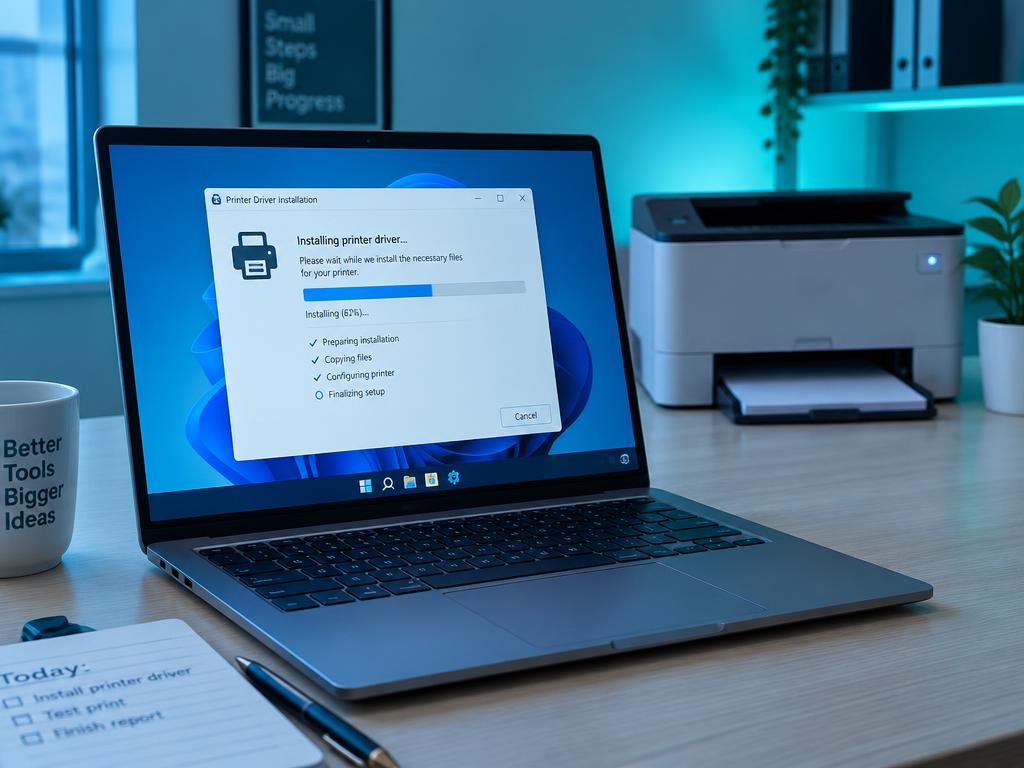
Install the driver before connecting
Many installers want the printer disconnected until prompted. Follow the installer order exactly.
- 4
Test on another computer
If a second computer also cannot see it, the printer's USB port or cable is faulty.
Still stuck?
Tell HUB AI your exact model and the message on the panel and it will tailor these steps to your printer.
Ask HUB AI