Paper jam error that won't clear
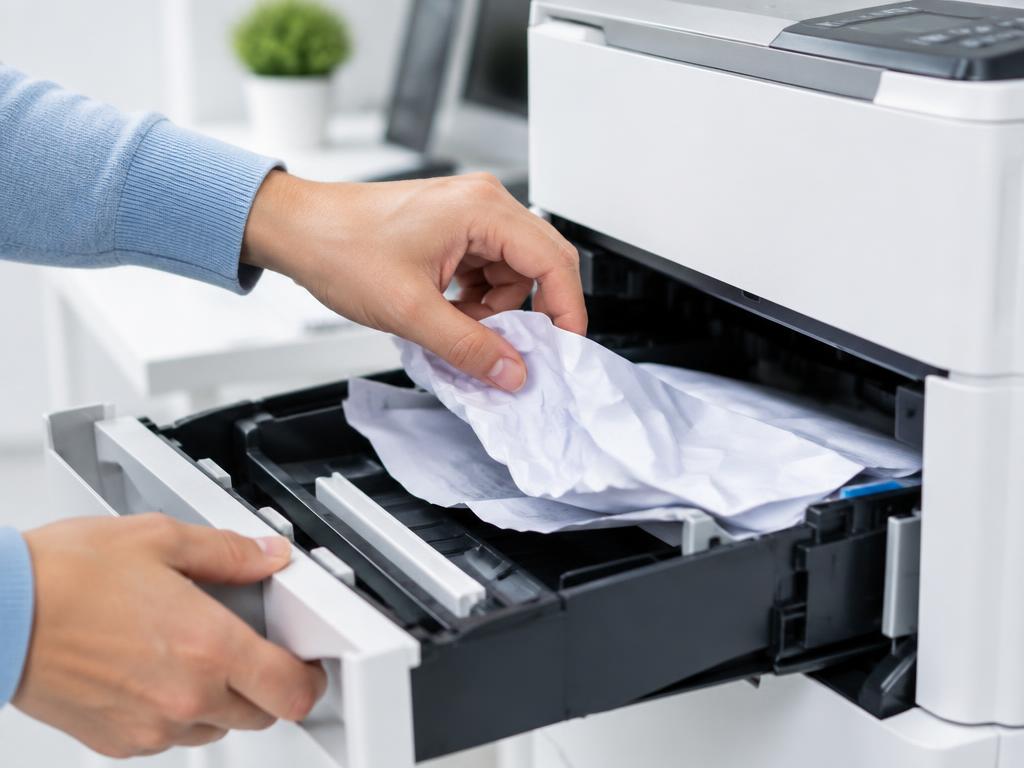
No paper visible but the jam error stays? A torn scrap or a stuck sensor flag is almost always the cause.
- 1
Unplug and open every door
Front, rear, duplex unit and the document feeder on top. Shine a torch into the paper path.
- 2
Look for torn scraps
A thumbnail-sized piece near the registration rollers keeps the sensor triggered. Remove it with tweezers.
- 3
Check the sensor flags
Small plastic levers in the paper path should spring back freely. If one is stuck or broken the jam error persists.
- 4
Clean the rollers
Wipe the pickup rollers with a lint-free cloth dampened with water. Dusty rollers cause repeat jams.
- 5
Power cycle to reset the error
Unplug for 60 seconds so the firmware clears the latched jam state.
Still stuck?
Tell HUB AI your exact model and the message on the panel and it will tailor these steps to your printer.
Ask HUB AI