Vertical streaks and lines on laser prints
Lines down the page point to the drum, the toner or the fuser. The line's colour tells you which.
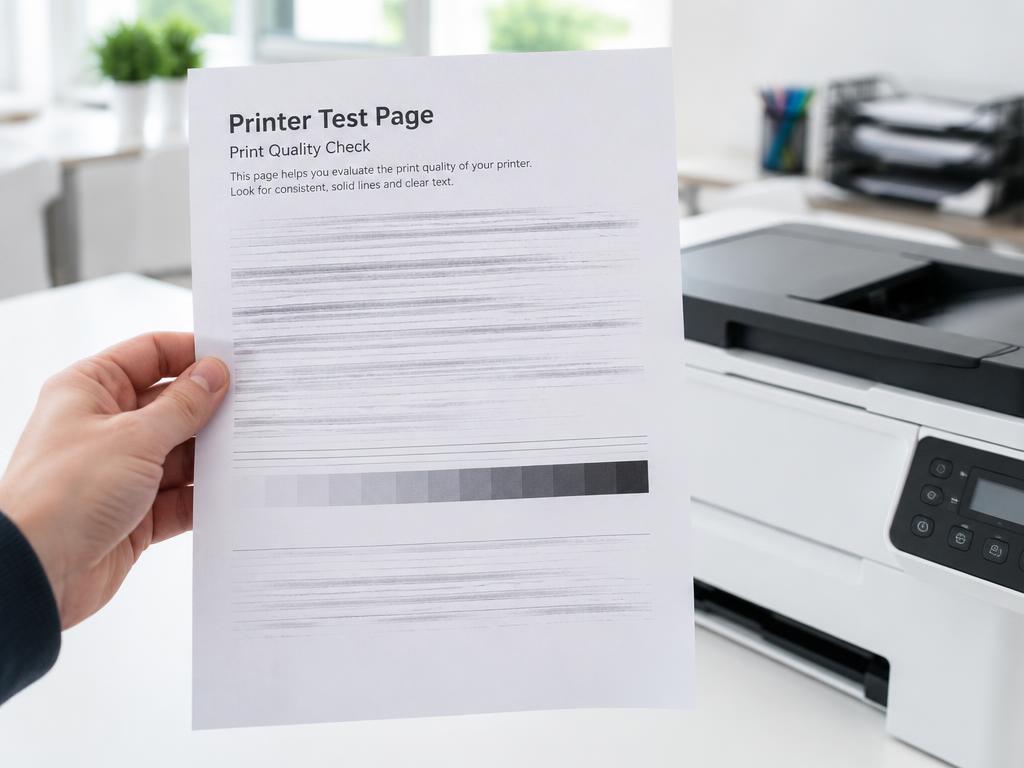
- 1
Identify the line type
Black lines repeat down the page: drum. Faded bands: low toner. Smudged lines that rub off: fuser.
- 2
Clean the corona wire
On Brother and similar engines, slide the green tab on the drum unit back and forth several times.
- 3
Inspect the drum surface
Remove the drum and look for scratches or toner build-up. A scratched drum must be replaced.
- 4
Try a new toner cartridge
A leaking or refilled cartridge causes repeating marks. Swap in a genuine cartridge to test.
- 5
Run the printer's cleaning page
Most lasers have a cleaning cycle in the maintenance menu that clears loose toner from the path.
Still stuck?
Tell HUB AI your exact model and the message on the panel and it will tailor these steps to your printer.
Ask HUB AI