Set up a brand new printer from the box
Remove every shipping lock, load paper before the first alignment, then connect.
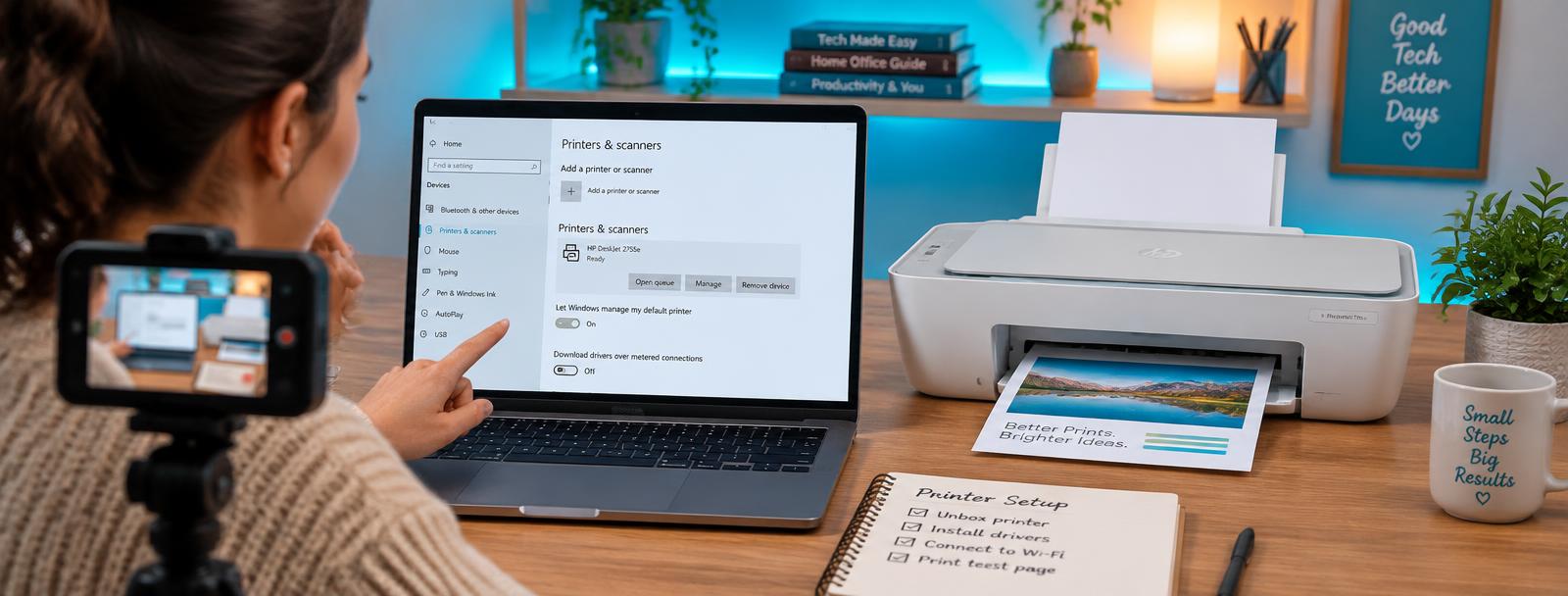
- 1
Remove all orange tape and locks
Check inside the cartridge area and behind the rear door. Leftover tape causes instant jam errors.
- 2
Install cartridges or fill tanks
Push each cartridge until it clicks. On tank models fill to the upper line and run the initial charge.
- 3
Load paper and set the tray
Set the guides and confirm the paper size on the panel so the driver matches.
- 4
Run the initial alignment
Let the printer finish its alignment page before printing anything else.
- 5
Connect and add to your devices
Use the wireless wizard or USB, then add the printer on every computer and phone.
Still stuck?
Tell HUB AI your exact model and the message on the panel and it will tailor these steps to your printer.
Ask HUB AI