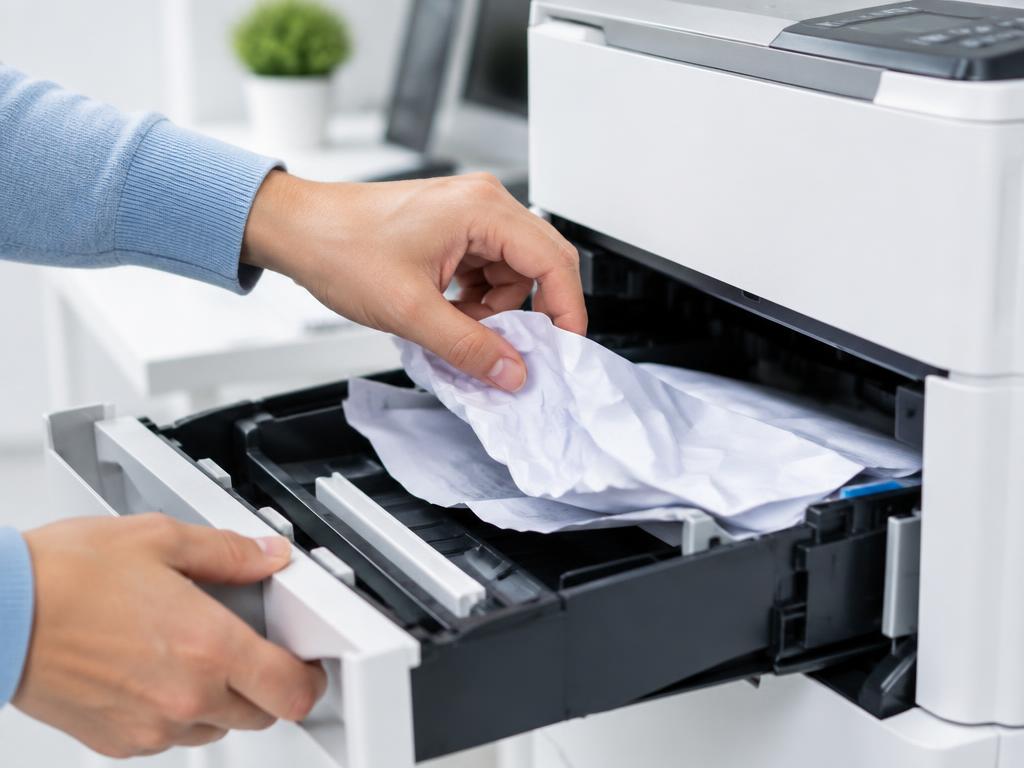
Printer won't pick up paper from the tray
No-pickup faults come from dusty rollers, overloaded trays or curled paper — all fixable at home.
- 1
Fan and square the stack
Fan the paper to separate sheets, tap it square and keep it below the tray's fill line.
- 2
Set the guides snug
Guides too tight bow the paper; too loose let it skew. They should just touch the stack.
- 3
Clean the pickup rollers
Wipe the rubber rollers with a lint-free cloth dampened with water and let them dry fully.
- 4
Try fresh paper
Damp or curled paper will not feed. Use a fresh ream stored flat and sealed.
- 5
Check the tray is seated
Push the tray fully home until it clicks; a half-seated tray lifts paper out of roller reach.
Still stuck?
Tell HUB AI your exact model and the message on the panel and it will tailor these steps to your printer.
Ask HUB AI