Faded or light prints: toner and ink fixes
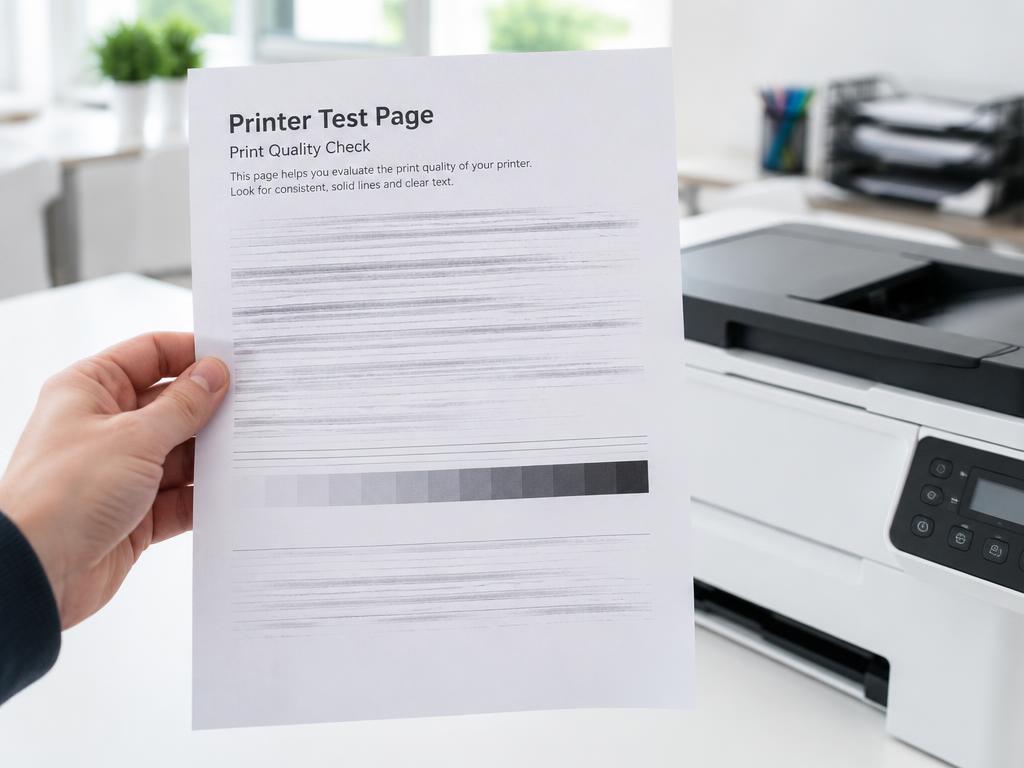
Faded output is almost always low toner, economy mode or a dirty drum — rarely a dead printer.
- 1
Turn off toner save or EconoMode
Check the driver preferences and the printer panel for economy settings and switch them off.
- 2
Rock the toner cartridge
Remove the cartridge and rock it gently side to side to redistribute the remaining toner.
- 3
Check toner and ink levels
Levels under 10 percent produce fade even before the warning appears.
- 4
Clean the drum or corona wire
On lasers, slide the drum's cleaning tab a few times. On inkjets run a head cleaning cycle.
- 5
Match the paper type setting
Telling the driver you loaded plain paper when it is thick or glossy causes weak fusing and fade.
Still stuck?
Tell HUB AI your exact model and the message on the panel and it will tailor these steps to your printer.
Ask HUB AI