Knowledge base
Troubleshooting guides
Clear, tested steps for the problems people hit most. No jargon, no guesswork.
AllPrinter OfflineDriver ProblemsWi-Fi SetupNew Printer SetupPaper JamNot PrintingError CodesPrint Quality
8 min read
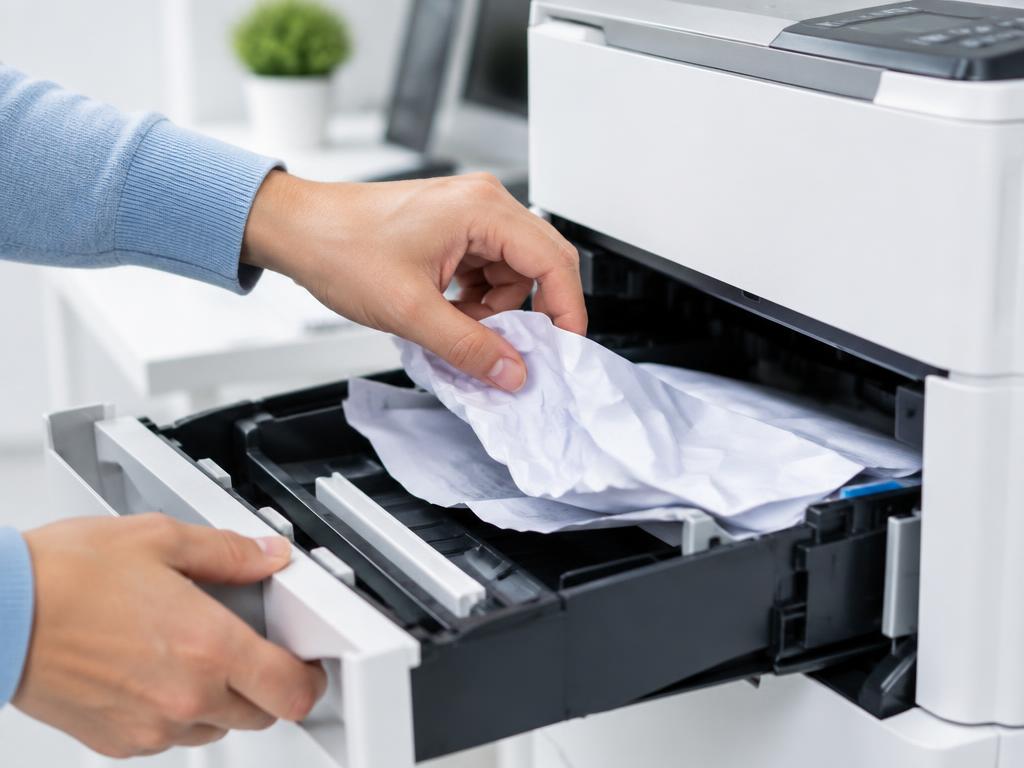
Clear a paper jam without damaging the rollers
Pull paper in the direction of travel and always check the duplex unit at the back.
7 min read
Paper jam error that won't clear
No paper visible but the jam error stays? A torn scrap or a stuck sensor flag is almost always the cause.
6 min read
Printer won't pick up paper from the tray
No-pickup faults come from dusty rollers, overloaded trays or curled paper — all fixable at home.
6 min read
Duplex printing jams or prints upside down
Duplex faults are usually the wrong flip setting, damp paper or a duplex unit that is not clicked in.